Technology · Global Events · Business Continuity
Global Microsoft 365 Outage Disrupts Outlook, Teams and Government Work
Exchange Online failures spread beyond email into calendars, security tools and connected apps. Recovery signals remain uneven across Microsoft’s public and tenant-specific status channels.
Verified baseline: a broad service failure, not just an Outlook glitch
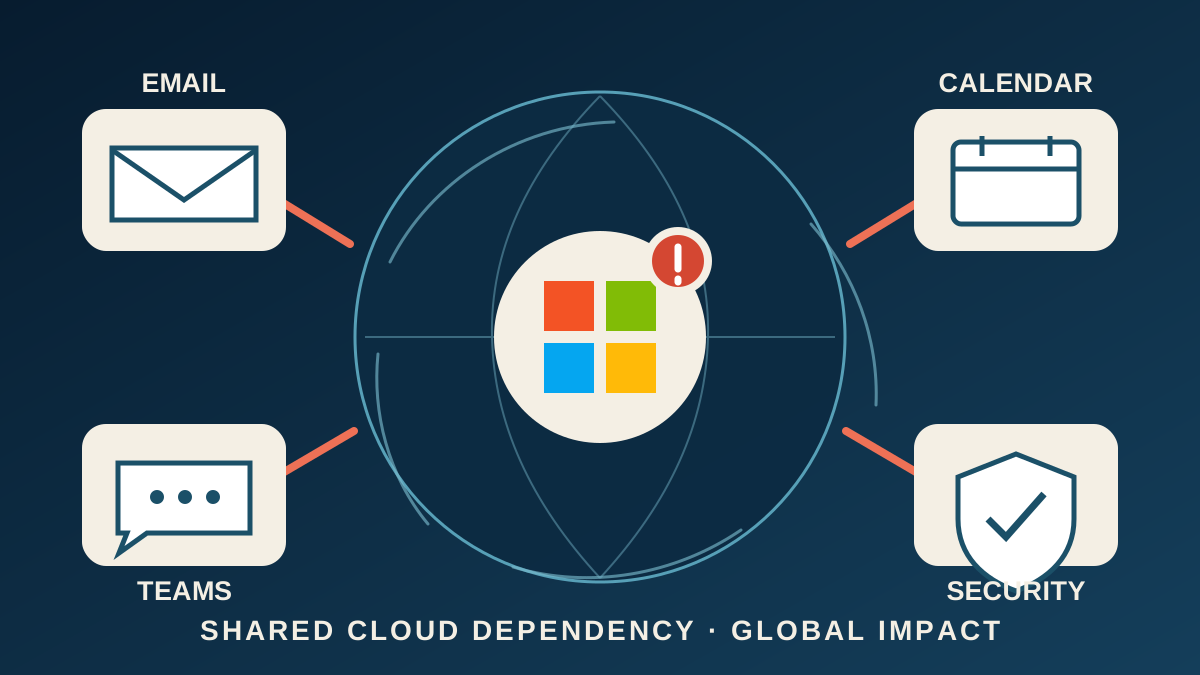
A global Microsoft 365 disruption that began Thursday afternoon U.S. Eastern time prevented many people from opening mailboxes, sending or receiving email and using services that depend on Exchange Online. Microsoft’s incident notice listed Exchange Online, Microsoft Teams, SharePoint Online, Microsoft 365 Copilot, Defender products, Planner, To Do, Intune, Purview, Power BI and the Microsoft 365 Apps admin center among the affected services.
Microsoft said a core process on affected servers became overwhelmed, causing servers to stop responding and reducing available capacity. Some servers that had been restarted failed again when traffic returned. Engineers isolated portions of the infrastructure, restarted components, limited some traffic and shifted connections to alternate paths while testing broader recovery measures.
The disruption was visible well beyond individual inboxes. The Associated Press reported effects on businesses and government operations, including Japan’s government IT infrastructure. Reuters reported impacts at the U.S. House of Representatives, Australian federal agencies and third-party services that connect to Microsoft 365. OpenAI’s status page separately reported that new Microsoft connector connections could fail and tools might not work as expected.
How large was the outage?
Downdetector recorded nearly 130,000 U.S. reports of Outlook problems shortly after 1 p.m. ET, AP reported. Those reports are a demand signal, not a census of affected accounts: one report can represent an individual, a company or a larger network, and many affected users never submit one.
The geographic reach was nevertheless unmistakable. DW, citing AP and Reuters, reported complaints from 74 countries and territories within about an hour. Reports continued into Friday morning in parts of Asia and the Pacific. The University of Auckland warned that Outlook, Teams, SharePoint, Planner, To Do, Copilot and Power BI were affected and that a travel-booking portal could not accept new bookings.
The incident’s public prominence was also unusually high for an enterprise-service failure: it led technology coverage at AP, Reuters and major international broadcasters because a single Exchange Online problem propagated into communication, scheduling, security and administrative systems.
Why email trouble broke calendars and other tools
Exchange Online is Microsoft’s cloud messaging layer for email, calendars, contacts and tasks. Many Microsoft 365 products call that layer even when their primary function is not email. During this incident, Teams calendar and meeting-scheduling functions could fail while core messaging and online meetings remained largely available. SharePoint files could still be opened even as email-dependent features failed. Copilot could be unable to reach work email, calendars and files.
That unevenness explains why two people in the same organization could see different symptoms. One person might open Teams but not schedule a meeting; another might see an inbox but experience delayed delivery; a third might lose access to a connected application. Microsoft also warned that Defender for Office 365 Safe Links could be unable to verify URLs, an important reason to treat unexpected links cautiously while service health is degraded.
Microsoft’s service-health guidance says tenant administrators should use the Microsoft 365 admin center for the most specific view of Office on the web, Teams and Exchange Online. Its public Service Health Status page is a backup channel when an active incident interferes with access to the admin center. That distinction matters because a public status banner may not describe every organization’s remaining impact.
What people and organizations can do now
For individuals: first check the public status page or an employer’s IT notice before changing settings. If service is recovering, reload Outlook on the web or reopen the app and allow time for mail and calendars to resynchronize. Microsoft’s support guidance provides a manual Sync command and recommends in-app support if a mobile calendar still will not update.
Avoid deleting and recreating apparently missing meetings until the server copy is visible; doing so can create duplicates when synchronization catches up. Confirm urgent appointments through a separate channel, and do not assume a sent message was delivered until it appears in Sent Items and the recipient confirms it when timing is critical.
For organizations: administrators can check Health > Service health in the Microsoft 365 admin center and use the incident identifiers in Microsoft’s notices to distinguish this provider incident from a local network or account problem. Communicating one verified status update internally can reduce duplicate support tickets. Critical operations should use preapproved alternate communication procedures rather than improvised personal accounts that may violate security or records rules.
These are general continuity steps, not individualized technical or security advice. Reinstalling applications, deleting profiles or clearing local data can make diagnosis harder and is not justified solely because Microsoft is reporting a provider-side outage.
Recovery status is still not a simple all-clear
Microsoft’s public status results were inconsistent at publication: one current public view said all products were operational, while another Microsoft-hosted service-health view still displayed a Microsoft 365 and consumer-product degradation notice last updated at 7:56 p.m. ET Thursday. Tenant and institutional notices in the Asia-Pacific region continued to report degraded service Friday morning local time.
That does not necessarily mean Microsoft’s pages contradict the same scope. The public banner is a fallback summary, tenant dashboards can show organization-specific impact, and cached or regionally distributed pages may refresh at different times. It does mean that a green public page should not be treated as proof that every delayed message, calendar item or connector has recovered.
People may also experience a recovery tail after capacity returns because clients reconnect and queued mail is processed gradually. Microsoft had not published a full post-incident report or final root-cause analysis as of this article’s publication.
Fact, analysis, forecast and opinion
Verified fact: Microsoft said a server-side capacity failure disrupted Exchange Online and multiple dependent Microsoft 365 services across regions. Government agencies, businesses and connected services reported effects. Analysis: the incident shows how a failure in a shared cloud dependency can spread across tools that appear separate to users. Forecast: delayed mail, calendar synchronization and connectors may recover gradually after core capacity stabilizes, but the duration for any particular tenant cannot be predicted from public data. Opinion: Health Politics Daily takes no position on Microsoft or cloud procurement; organizations should judge resilience from documented service levels, incident reports and their own continuity requirements.
Bias Lens: outage reporting without a forced partisan frame
Verified baseline: Microsoft acknowledged a multi-region Microsoft 365 incident involving Exchange Online and dependent services. The confirmed operational question is which functions and regions were affected and when they recover—not which political side benefits.
Official source — Microsoft Service Health: emphasizes infrastructure symptoms, mitigation work and service status, but does not independently quantify the number of people affected. Broad news coverage — The Associated Press: foregrounds the user experience and government impact, using Downdetector as a scale indicator with its limitations. Business and infrastructure coverage — Reuters: stresses the long duration, enterprise dependencies and spillover to government and connected services.
A left-center-right comparison would not add meaningful information here because the consequential disagreements are technical and temporal, not ideological. Forcing a partisan symmetry would obscure the useful distinctions: Microsoft can best describe its systems, while independent reporting can better document external impact and test the company’s recovery claims.
What remains uncertain
Microsoft has not yet published a final root cause, a complete affected-user count, a region-by-region recovery timetable or a public inventory of every downstream product. It is also unclear how many delayed messages or calendar changes will require manual action after service stabilizes.
A later post-incident report should clarify why the core process became overloaded, why restarted servers failed under returning traffic, which safeguards did not contain the failure and what changes Microsoft will make. Until then, claims that a cyberattack caused the outage or that user data was lost are unsupported. Australian officials said Microsoft did not believe it was dealing with a cyberattack.
Our earlier report on the Federal Election Commission filing outage explains how service failures can trigger deadline and records questions. Our coverage of restored Starlink and Starshield speeds in Ukraine examines the difference between a provider’s recovery statement and users’ uneven operational experience.
Principal sources
- Microsoft — public Service Health Status
- Microsoft Learn — how administrators check tenant-specific service health
- Associated Press — user, business and government impacts
- Reuters — duration, affected functions and international impact
- OpenAI Status — degraded Microsoft 365 connector functions
- University of Auckland — institutional impact and continuity notice
No suitable directly relevant official or publisher-authorized video with clear, persistent embedding permission was available, so no video was embedded.
Discussion
Reader comments
Discuss the reporting, not other readers. Claims should be sourced; threats, harassment, misinformation, medical misinformation and personal data are removed.
Comments are publicly visible after automated and editorial review. Guest comments are stored on this device until submitted; account details are governed by our Privacy Policy.